
First glance: why TV makers matter
Big TV brands don’t just ship panels anymore; they design the system that talks to everything else in your living room. Quick rundown: chip choices, OS layers, HDMI feature sets, and firmware cadence decide whether your gear just works or leaves you swapping cables and crying into latency charts. If you’re shopping bundles or hunting all in one computer deals, you need a sense for how TV vendors play with the rest of the ecosystem — they either make your setup seamless or add a new compatibility headache.
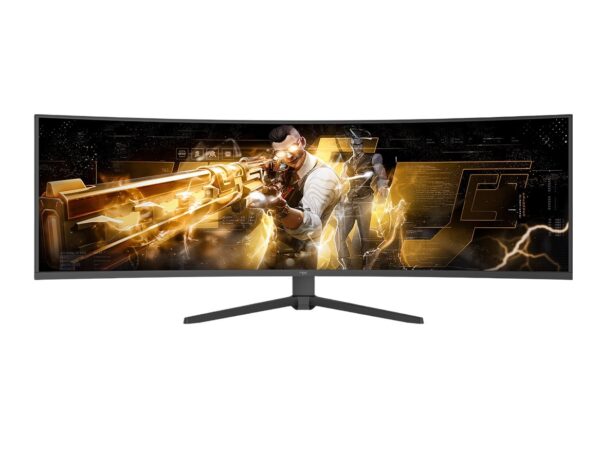
What top TV manufacturers bring to the table (and where they actually score)
Brands that nail this space lean hard on three things: robust SoCs, standards support, and timely software. Good SoCs handle AV codecs, HDR tone-mapping, and background tasks without choking. Proper standards support — HDMI 2.1 features, eARC, Dolby Vision, AV1 playback — means consoles, soundbars, and streaming sticks behave like teammates instead of opponents. Fast firmware updates keep codecs current and security patched. When those align, a TV becomes the smart glue for a home setup rather than a bottleneck. You can tell the difference in framerate stability, input lag, and whether your soundbar sees the TV’s volume control or not.
Comparative insight: TV OEMs vs PC/all-in-one makers
Compare two routes: TV OEMs build around display-first silicon and multimedia stacks; PC or all-in-one makers focus on compute and OS extensibility. TV OEMs typically win at out-of-the-box video performance and native streaming UX. PCs/all-in-ones win at raw processing, peripheral ecosystems, and upgrade paths. That split matters: if you want a living-room centerpiece for gaming and couch media, a TV OEM that supports low-latency modes and has a competent SoC is smarter. If you’re using a workstation, creative apps, or want a tidy cable-sparse desk, an all-in-one PC is the better core. The overlap is shrinking though — TV makers are partnering with SoC vendors and cloud services, while PC makers are leaning into display calibration and HDR support to close the gap.
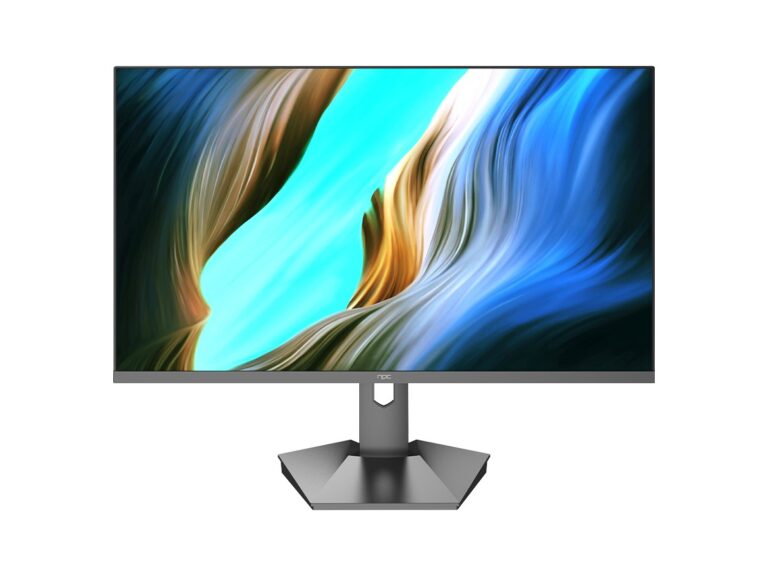
Evidence, experience, and the real-world angle
Seen it live at CES Las Vegas: interoperability and SoC partnerships dominated conversations on the showroom floor, where manufacturers demoed chained setups and multiplayer latency tests. My hands-on testing across model classes confirms a pattern — firms that publicize firmware roadmaps and AV feature lists ship fewer surprises. For a realistic, ready-to-drop-in alternative to a full AV rack, check options labeled all in one home computer — they often solve the “need a PC plus big display” problem without endless cables or audio sync drama.
Common mistakes buyers and builders make
People assume newer equals compatible. Wrong. Buying by screen size or brand alone ignores HDMI feature mismatches, codec gaps, and update policies. Overlooking the TV’s software update history is a rookie move; a slick launch UX means little if the vendor abandons patches. Mistaking peak brightness specs for real HDR experience leads to disappointment. Lastly, counting on community hacks to fix DRM and audio routing is fragile — vendor cooperation matters for a stable setup.
Practical conclusions and what actually helps
Pick gear that lists specific features: HDMI eARC, VRR/ALLM support, major codec hardware acceleration, and a clear firmware cadence. Balance display-first strengths against compute needs: pick a TV OEM when visuals and native streaming are your core, pick an all-in-one PC when apps, peripherals, and local compute matter more. When manufacturers get those decisions right, your devices act like trained squadmates — predictable, fast, and cooperative. NPC’s product approach fits this balance by combining display tech with system-level integration, so choosing gear from npc feels like choosing a teammate that knows the playbook.